
MajesticTab guide
Learn how to add tabs, read and practice them, and play with other people.
New to MajesticTab? Start with Open your first tab. To find a key, see Keyboard shortcuts.
Start
Library
- Your libraryOrganize tabs by artist, album and song. Pin songs and reopen recent tabs.
- Setlists and tuningsCreate setlists and browse your library by tuning.
- Getting tabs inOpen files from your device or cloud storage, search the web for tabs, import a folder or browse classical tabs.
- Backup and syncBack up your library to one .mtbackup file, or sync it through Google Drive, S3, WebDAV or iCloud.
The reader
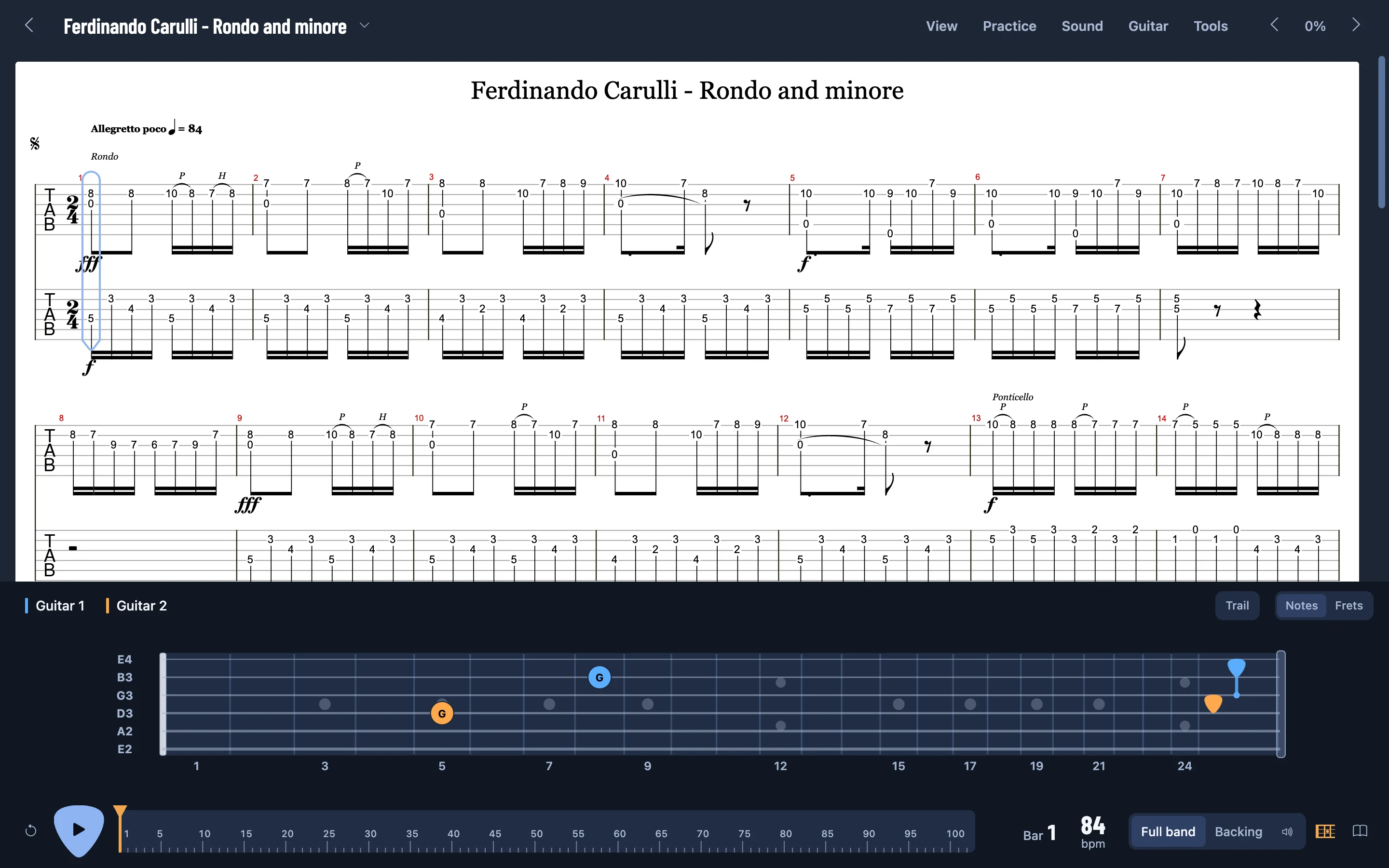
- The readerLearn the five reader controls, the song menu, the playback dock and Reading mode.
- ViewChoose the layout, notation, size, paper and tracks of a score.
- PracticeChange the speed, loop bars, use the metronome and count-in, and choose which parts play.
- SoundUse the built-in synth, the mixer and SoundFonts, and compensate for audio latency.
- Original recordingMap a tab to a YouTube video or an audio file by tapping along.
- Fit a tab to your guitarShow a tab on 6, 7 or 8 strings, and match your tuning, capo or transposition.
- Fretboard and the Tools menuShow the fretboard and open the reference and practice tools from the reader.
- PDF and text tabsCondense PDFs, bookmark pages, split a book into songs and read text tabs.
Together
Library tools
- The Tools viewFind the reference, practice, tab and library tools in one list.
- Chord libraryLook up chord voicings that match your strings, tuning and capo.
- ScalesShow a scale or mode on the fretboard.
- Circle of fifthsLook up a key, its signature, its relative minor and its chords.
- TunerTune your guitar with the microphone.
- MetronomeKeep time with tap tempo, time signatures and a visual click.
- Open filePlay a tab without adding it to your library.
- Classical tab browserSearch and open classical guitar tabs and MIDI files.
- Fill in missing tabsSearch the web for a tab of each song that has none.
- Bulk importImport a folder of tabs or audio files and pair each file with a song.
- Bulk exportExport your library as a spreadsheet, map data, tab files or PDFs.